










Background Removal Examples: 25 Before and After Results That Show What Works

Background removal examples are the fastest way to understand what good background removal actually looks like. Tutorials explain the process, but examples show the difference between sloppy results and professional-quality images.

In this guide, you’ll see real before-and-after background removal examples, broken down by use case. You’ll also learn why some removals work better than others and how to avoid common mistakes.

Table of Contents

Why Background Removal Examples Matter

Background removal can look easy, but quality varies wildly. Without reference points, it’s hard to know whether your results are actually good.

Strong background removal examples show:

  • Clean, natural edges
  • No visible halos
  • Correct transparency
  • Consistent lighting

Bad examples reveal mistakes instantly.

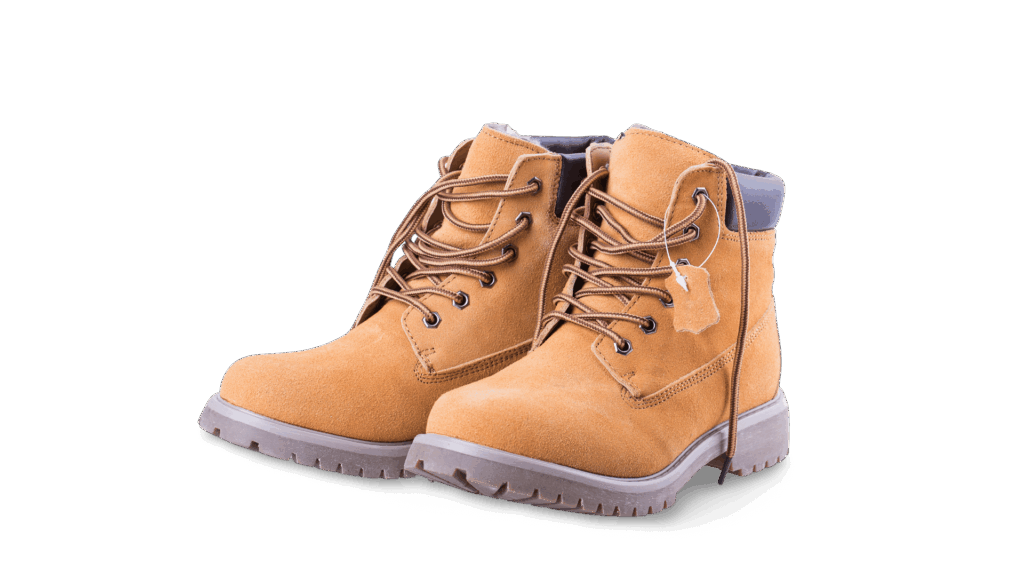
Product Background Removal Examples (Before & After)

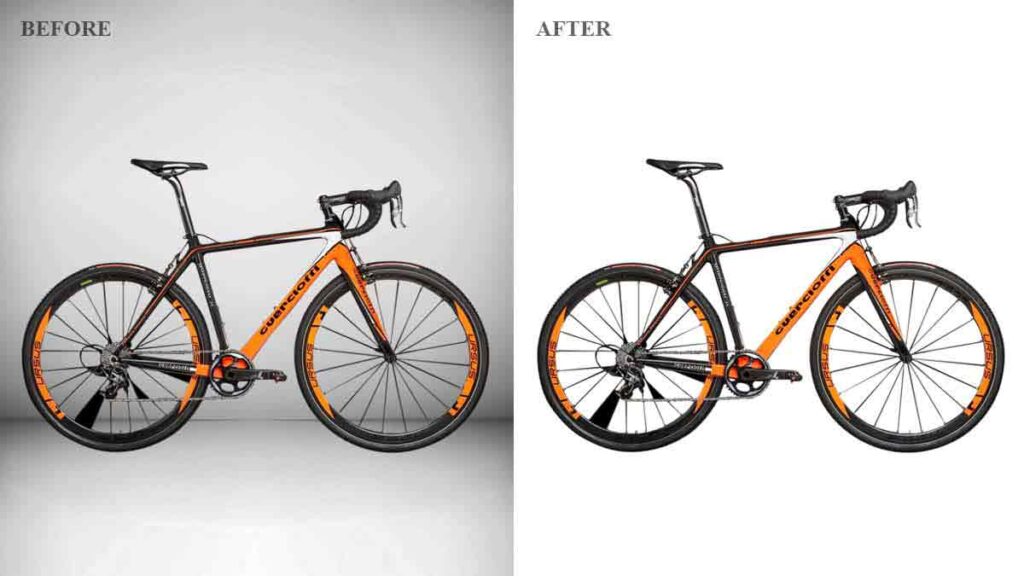
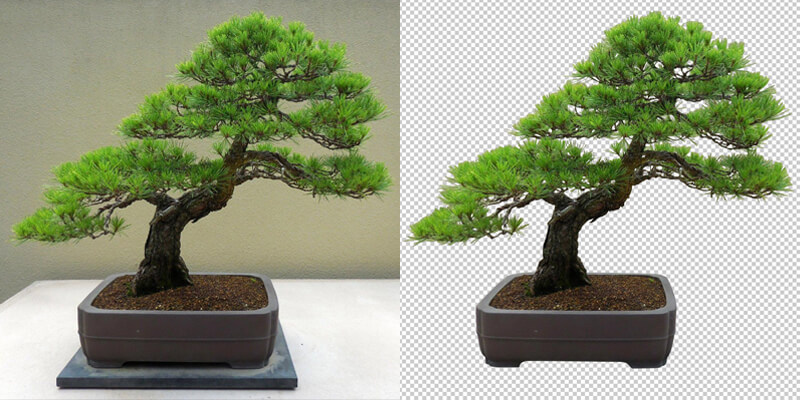
Product images are the most common use case for background removal. Clean results improve trust and conversions.

bicycle-background-removal bgsnip
bgsnip background remover before after
transparent-boots bgsnip

Notice how the best examples:

  • Preserve natural shadows
  • Maintain sharp edges
  • Look realistic on white or transparent backgrounds

Poor examples often look cut out or flat.

People and Portrait Background Removal Examples

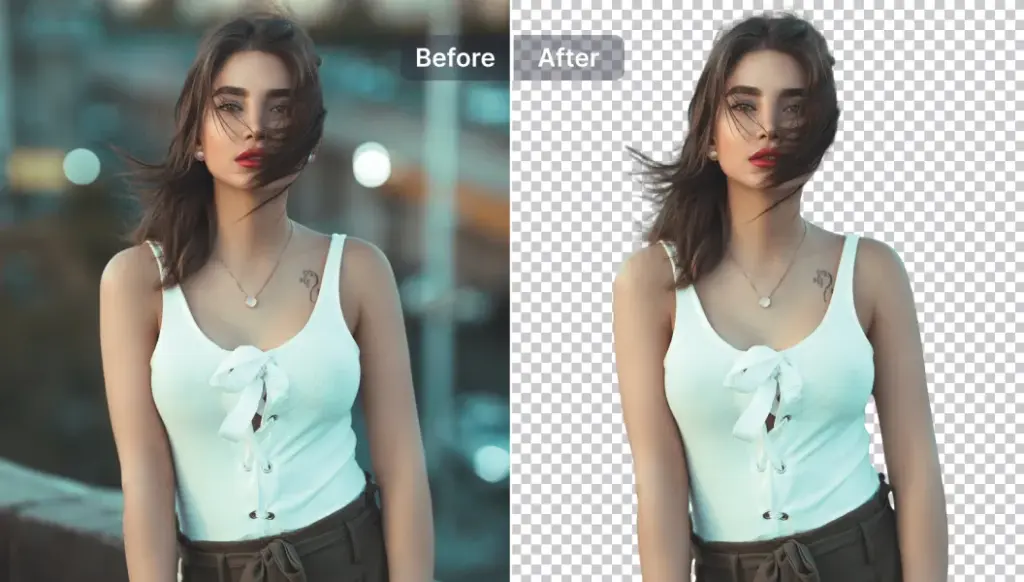
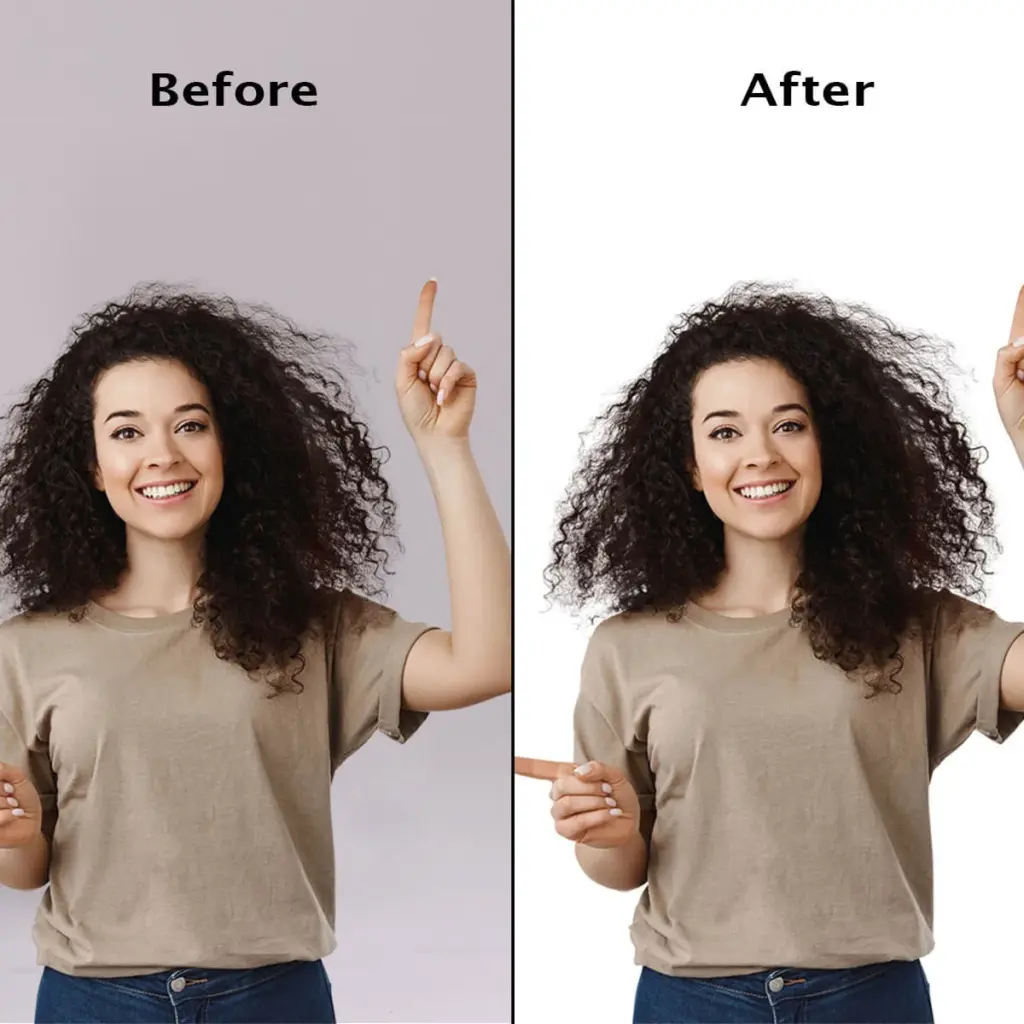
People are harder to cut out due to hair, skin tones, and soft edges.

Advanced-bgsnip-Background-Removal
background removal examples

High-quality background removal examples for people:

  • Keep hair strands intact
  • Avoid harsh outlines
  • Blend naturally into new backgrounds

This level of quality requires careful edge refinement.

Logo and Graphic Background Removal Examples

Logos need perfect edges. Even small mistakes are obvious.

bg snip background remover bgsnip

Good logo background removal examples:

  • Have zero background color left
  • Show crisp edges at any size
  • Export cleanly as transparent PNG or SVG

Blurry or pixelated edges signal low quality instantly.

What Bad Background Removal Examples Reveal

Bad background removal examples usually share the same issues:

  • White or dark halos
  • Jagged edges
  • Missing details
  • Over-smoothed subjects

These mistakes reduce trust and make images unusable for professional work.

How to Match the Best Background Removal Examples

To achieve results similar to the best background removal examples:

  • Start with high-resolution images
  • Ensure good contrast between subject and background
  • Refine edges manually when needed
  • Always export with transparency preserved

Professional tools from Adobe are often used to achieve clean, consistent results.

Final Thoughts

Studying background removal examples helps you spot quality instantly and avoid common mistakes.

If your results match the clean before-and-after examples shown here, you’re on the right track. If not, refining edges and export settings usually makes the biggest difference.

Internal links:
How to Remove Background From an Image
Thumbnail Cutout Techniques

bgsnip background remover before after
Scroll to Top