
Make GIF Background Transparent + Fix Black Background
Transparent GIFs are trickier than transparent PNGs. The biggest reason is simple: GIF transparency is limited compared to PNG. GIF supports a single color being marked transparent, not full alpha transparency like PNG.
That limitation is the root cause of “black background” issues, halos, and ugly edges.
This page shows what you can realistically do, plus the clean workflow.
Try BGSnip: https://bgsnip.com
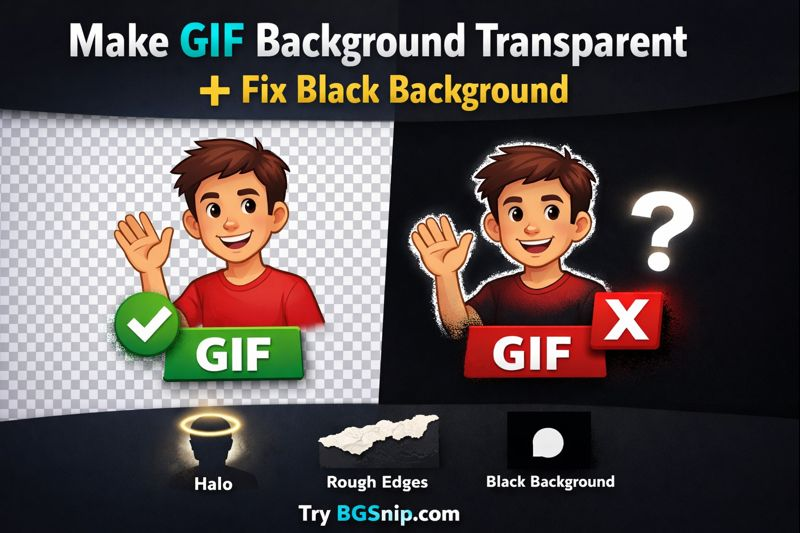
Why transparent GIFs often look bad
GIF transparency is basically on/off for a single palette color. Soft edges (hair, shadows, gradients) don’t blend cleanly, so you get jagged outlines or a colored fringe.
If your background was dark, the fringe often looks black. If your background was green, the fringe looks green.
How to make a GIF background transparent
There are two real approaches:
Approach A: Make a clean transparent subject, then export carefully
This is the best choice when you need “as good as possible” transparency.
How to (steps)
- Export the best still frame (or a clean version of the subject) from your GIF/video.
- Remove background using BGSnip: https://bgsnip.com/remove-background-from-image/
- Download the result as a transparent PNG.
- Rebuild/export your animation in your editor, using a transparent background.
- When exporting as GIF, choose a transparency setting and matte that matches your target background color.
No signup required.
Approach B: Don’t use GIF for transparency (use a better format)
If you need smooth edges, consider exporting as a video with alpha or a modern format like WebM/PNG sequence depending on your platform. GIF is popular, but it’s not great for smooth transparency.
How to remove a black background from an image
Black backgrounds are easy when you’re working with a single image (PNG/JPG). Just remove the background and export as PNG.
How to (steps)
- Open BGSnip: https://bgsnip.com/remove-background-from-image/
- Upload the image with the black background.
- Let BGSnip remove the background.
- Download as transparent PNG.
That solves black background for static images quickly.
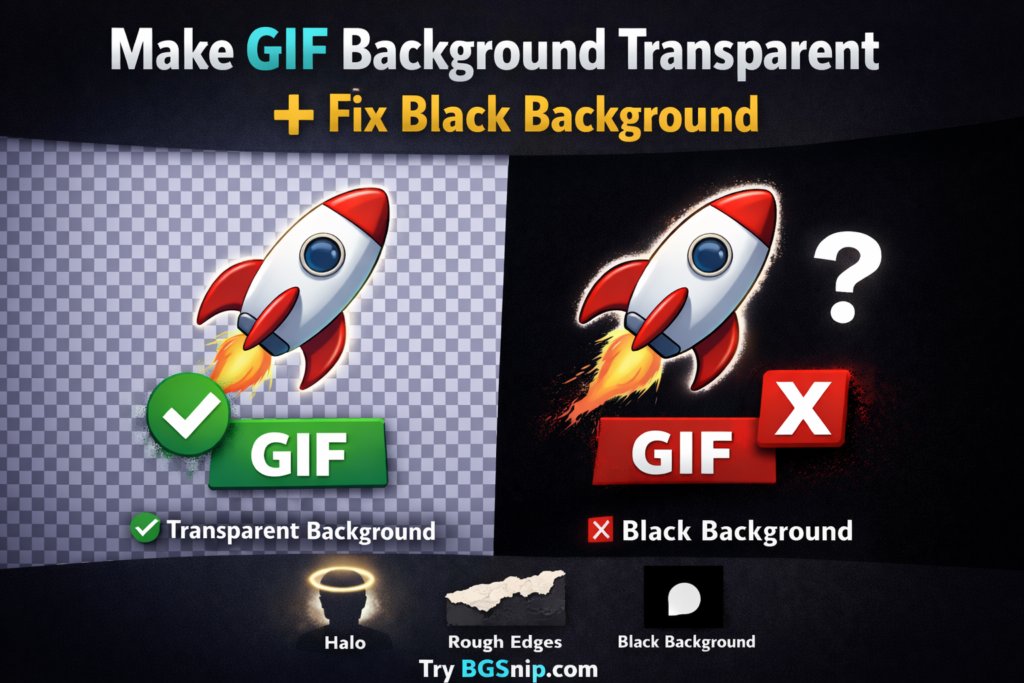
Troubleshooting: common issues and fixes
My transparent GIF shows black in some apps
Some apps don’t handle GIF transparency well, or the exported matte is wrong. GIF transparency is limited, so results vary across platforms.
Fix:
- Export with a matte color that matches where the GIF will be used (white site vs dark site).
- If you control the background, match it.
Edges look jagged or ugly
That’s the format limitation. GIF only supports a single transparent color index, so soft edges won’t blend smoothly.
Fix:
- Use fewer soft edges (avoid motion blur if possible).
- Consider a non-GIF format if your platform allows.
A “halo” is visible around the subject
That halo is usually leftover matte/background color.
Fix:
- Re-export with a different matte color.
- Use a background color close to where the GIF will live.
The background isn’t removed fully
If the background color and subject are too similar, any tool will struggle.
Fix:
- Pick a better source with clearer separation.
- Use a higher-resolution version.
FAQ
How do I make gif background transparent?
Remove the background from the subject, then re-export the animation with transparency enabled. Keep in mind GIF transparency is limited.
Why does my transparent GIF show a black background?
Often it’s export matte settings or how the viewer handles GIF transparency. GIF transparency can be finicky.
Can GIF have smooth transparent edges like PNG?
No. GIF transparency is limited compared to PNG alpha transparency.
What’s the easiest way to remove a black background from an image?
Upload the image to BGSnip and download a transparent PNG.
Why does my GIF look jagged after making it transparent?
Because GIF uses a limited color palette and 1-bit transparency. Soft edges don’t blend well.
Should I use GIF if I need transparency?
Only if you can accept rough edges. If you need clean, smooth transparency, use PNG (static) or a better format (animated) where supported.
Does changing the background color fix black halos?
It can. Exporting with the right matte color often reduces visible halos.
Additional resources
https://bgsnip.com/remove-background-from-image/
https://bgsnip.com/transparent-background/
https://bgsnip.com/remove-logo-background/
https://bgsnip.com/blog/
https://en.wikipedia.org/wiki/GIF
Try BGSnip: https://bgsnip.com